


Glyph Designer
Bitmap Font Designer
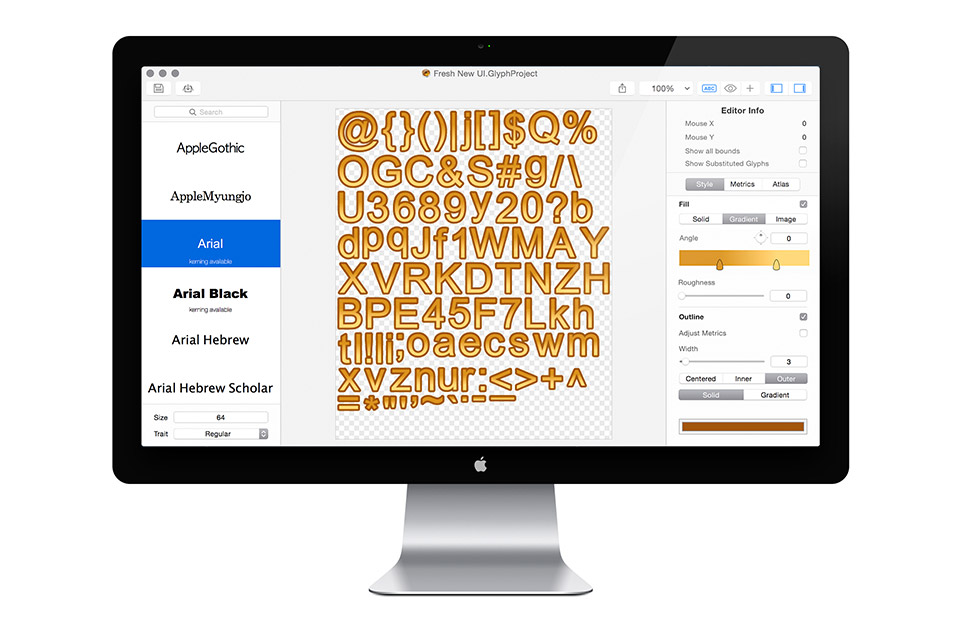
What is Glyph Designer?
Glyph Designer is a powerful bitmap font designer, redesigned specifically for OS X Yosemite to take advantage of the latest features. Create beautiful designs using highly configurable effects, definable backgrounds, custom images, editable glyph metrics and more. Make the most of your screen with smart zooming and full screen support. Target hundreds of devices on multiple platforms with support for over 15 frameworks out the box. Streamline localizations with GDCL.
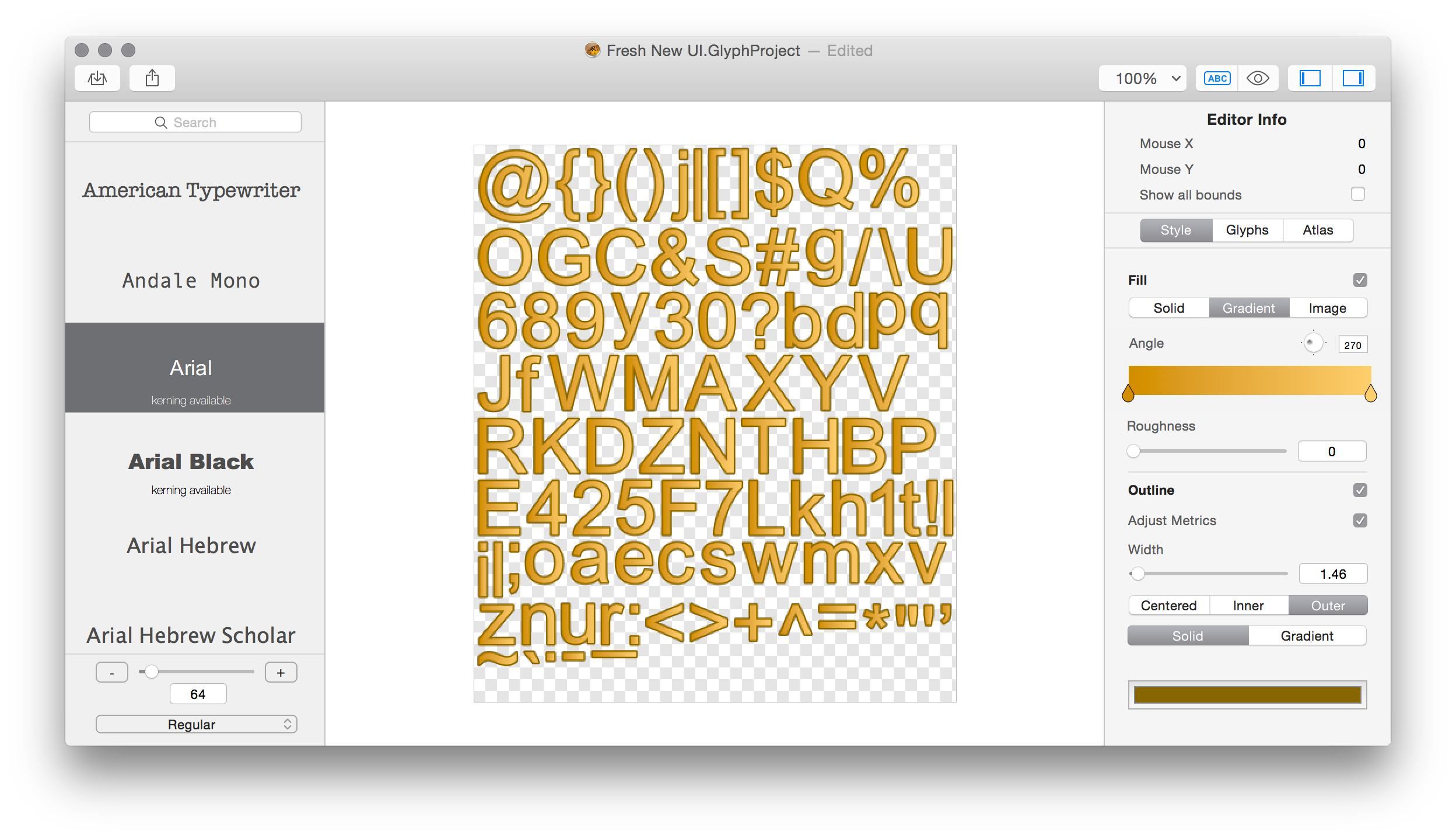
Performance
You can add text to your games in a few different ways. Many of the frameworks allow you to use a truetype font for your text but this comes at a cost. You lose a lot of flexibility with styling but most importantly you lose performance. No one likes a game that takes a long time to load or drops frames at that crucial point. Using bitmap fonts you can achieve the perfect style and gain a MASSIVE performance increase over alternative methods.
60 FPS
Simple Design Tools
Stroke
Add an outer, centered or inner stroke with a solid color or gradient. Refine the stoke by changing it's width, mitre or join.

Fill
Use a Solid color / Gradient or Image to fill each glyph.
Shadow
Easily apply internal and external shadows to any text.
Essential features
Kerning
We've always taken legibility seriously, thats why Glyph Designer has fully supported font kerning from day one.
Instant Undo
Don't like your recent changes? Easily reverse anything you do and recover your previous style.
Versions
Need to recover a previous document? Not a problem, Glyph Designer uses powerful document versions built right into OS X to keep your work safe so you will never lose anything again.
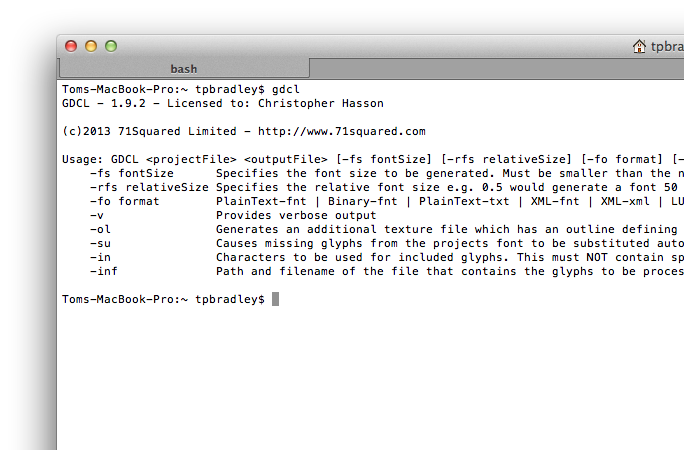
Integrating GDCL into your workflow is a simple process and can save you significant development time, especially when it comes to localizing your games.
It couldn't be easier! Add a build phase to your project. Save your Glyph Designer project then build and view your changes.
Automatic Substitution
When it comes to missing characters Glyph Designer just does the right thing. We automatically select the closest font based on your selection and merge in missing characters seamlessly.
Need more control?
Not a problem. Along with automatic substitution, you also get a full sweet of manual substitution controls giving you fine grain control over all of your characters.
Perfect rendering
No matter what style your after, we've got you covered. For each glyph we render fills, stroke and shadows to individual layers, only compositing during the final rendering pass.
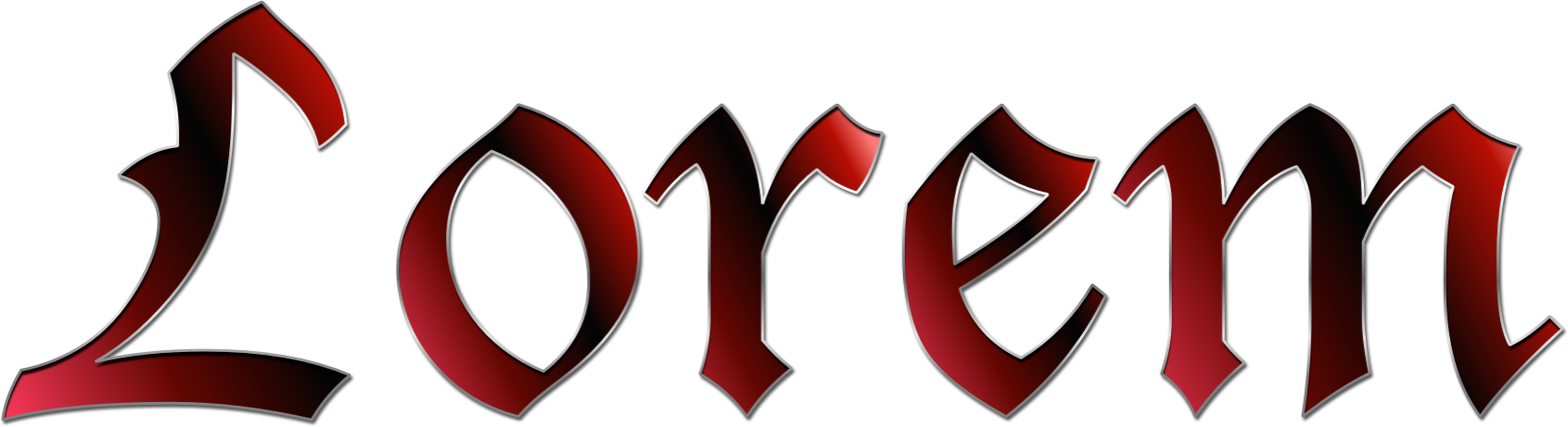
Created with Glyph Designer





Custom Font Metrics
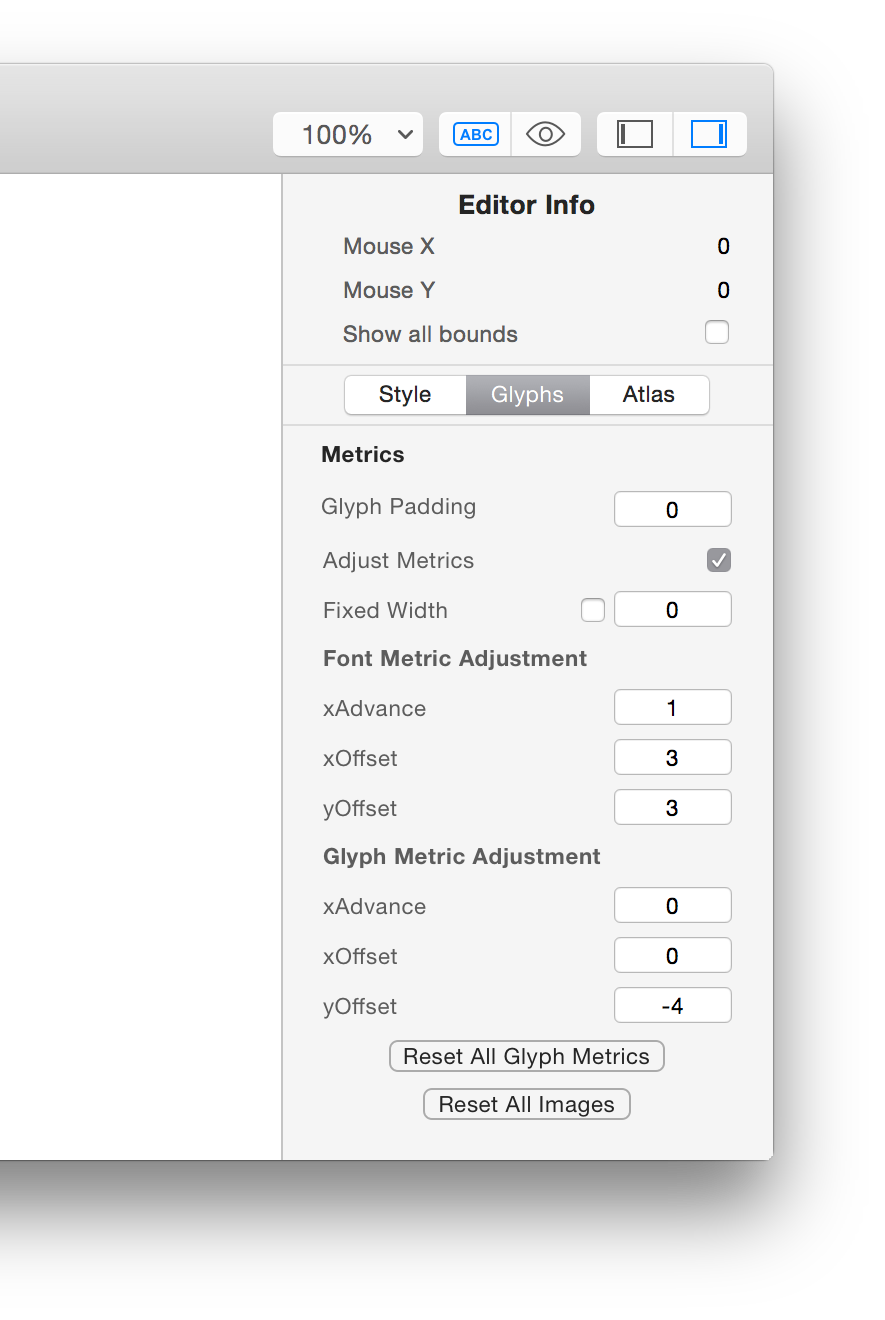
Font Wide
Glyph Designer lets you easily adjust font wide metrics.
Glyph Metrics
You can even get right down and control the exact positioning of any character.
Custom Images
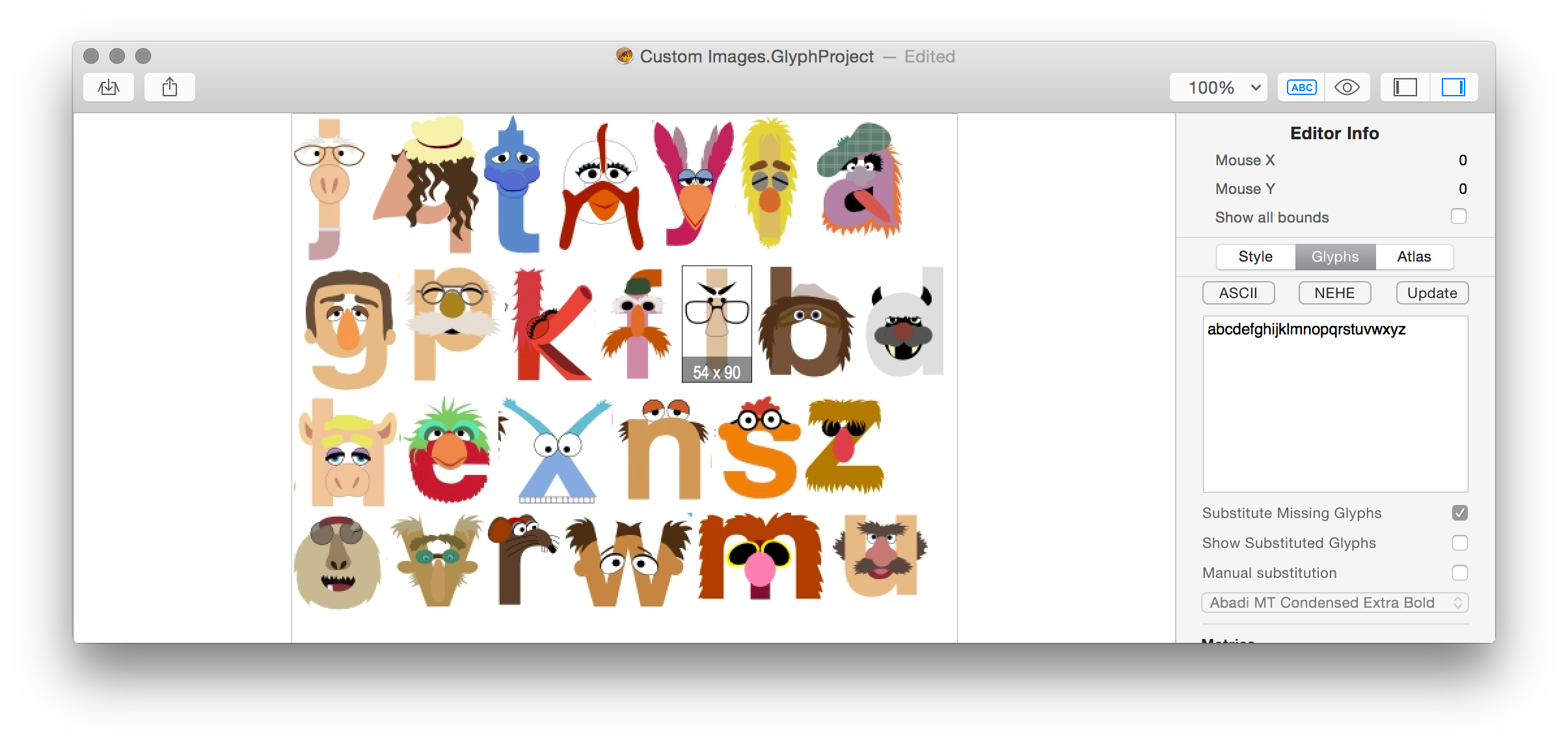
With Glyph Designer you get the maximum flexibility. Replace any character in your bitmap font with an image of your choice. Change the scale, adjust the metrics and enjoy. It couldn't be simpler.
Super Fast Smart Zooming
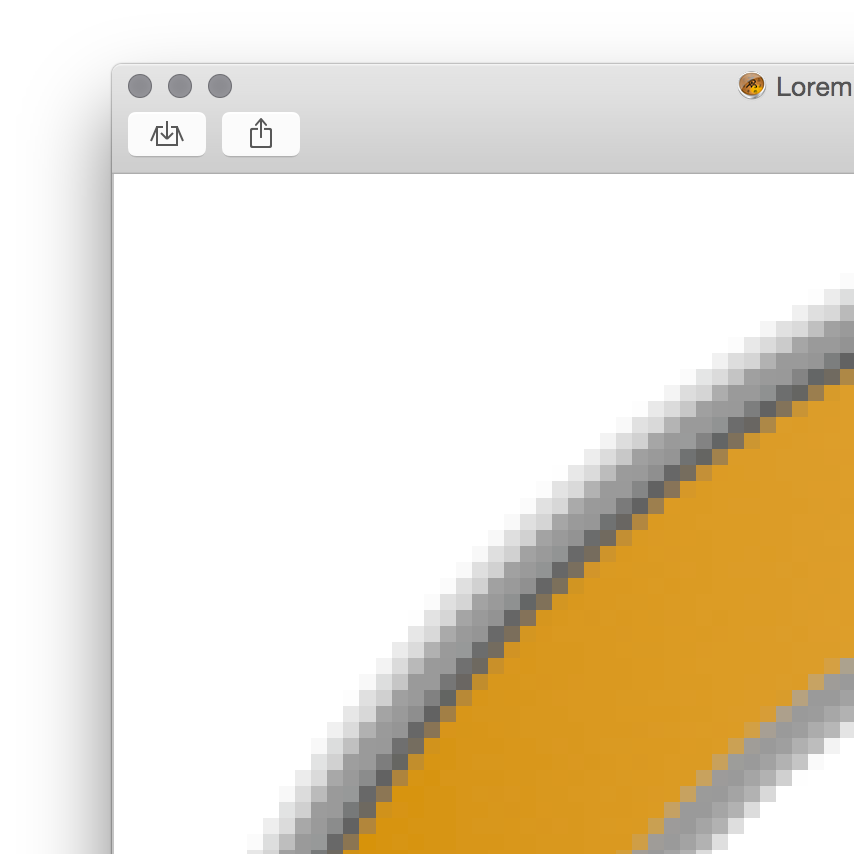
Highly optimised zooming allows you to quickly and easily zoom and pan around the pixels. Two finger tap on a specific glyph to zoom right in and make super fine adjustments at the pixel level.
Manage export profiles
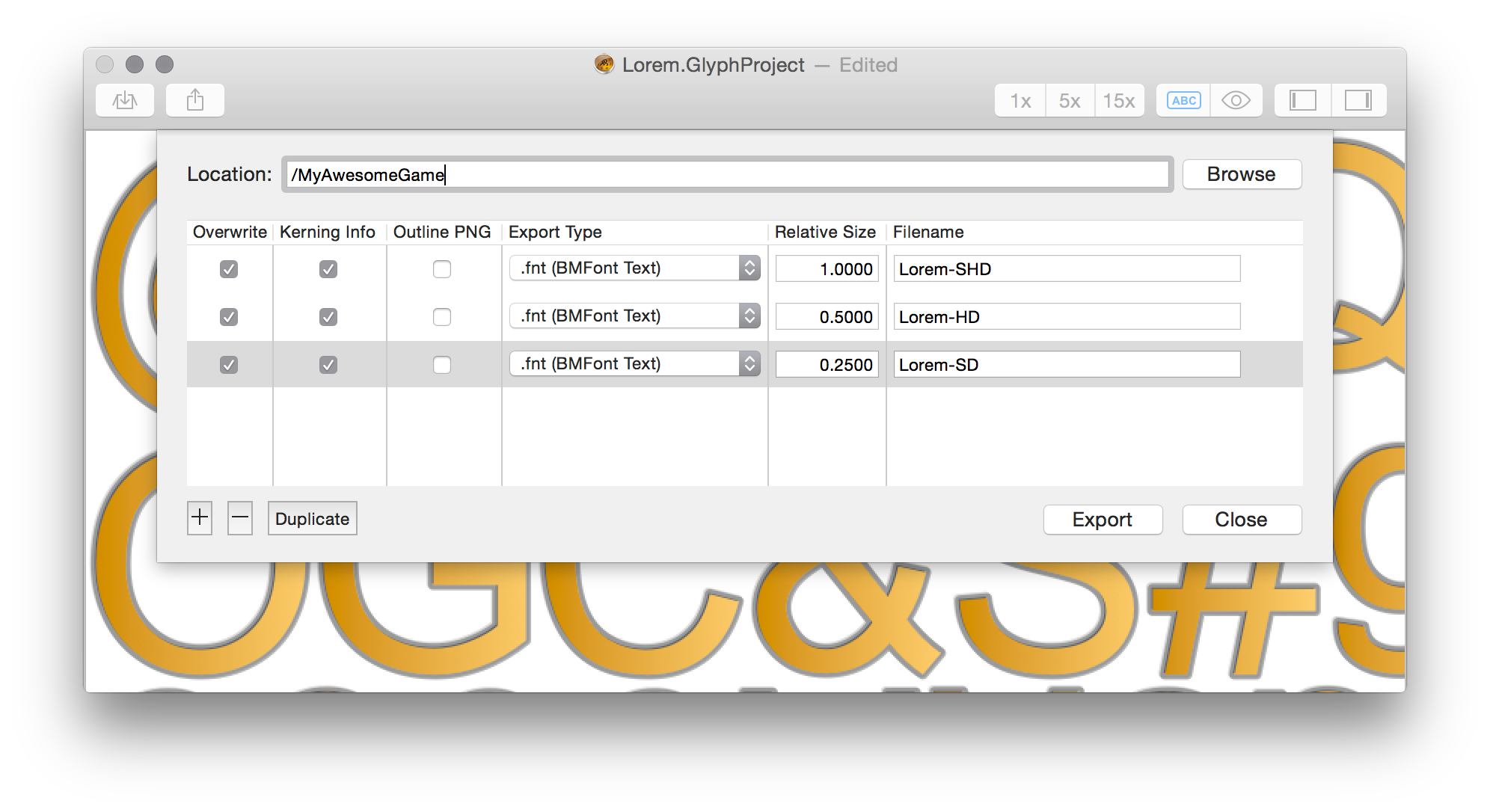
Targeting multiple devices? Glyph Designer's export function has been specifically designed to ease the pain of targeting many different platforms and devices. Add multiple profiles, set their name and relative size. Then just hit export and witness the creation of all your game's assets.
Simple glyph selection
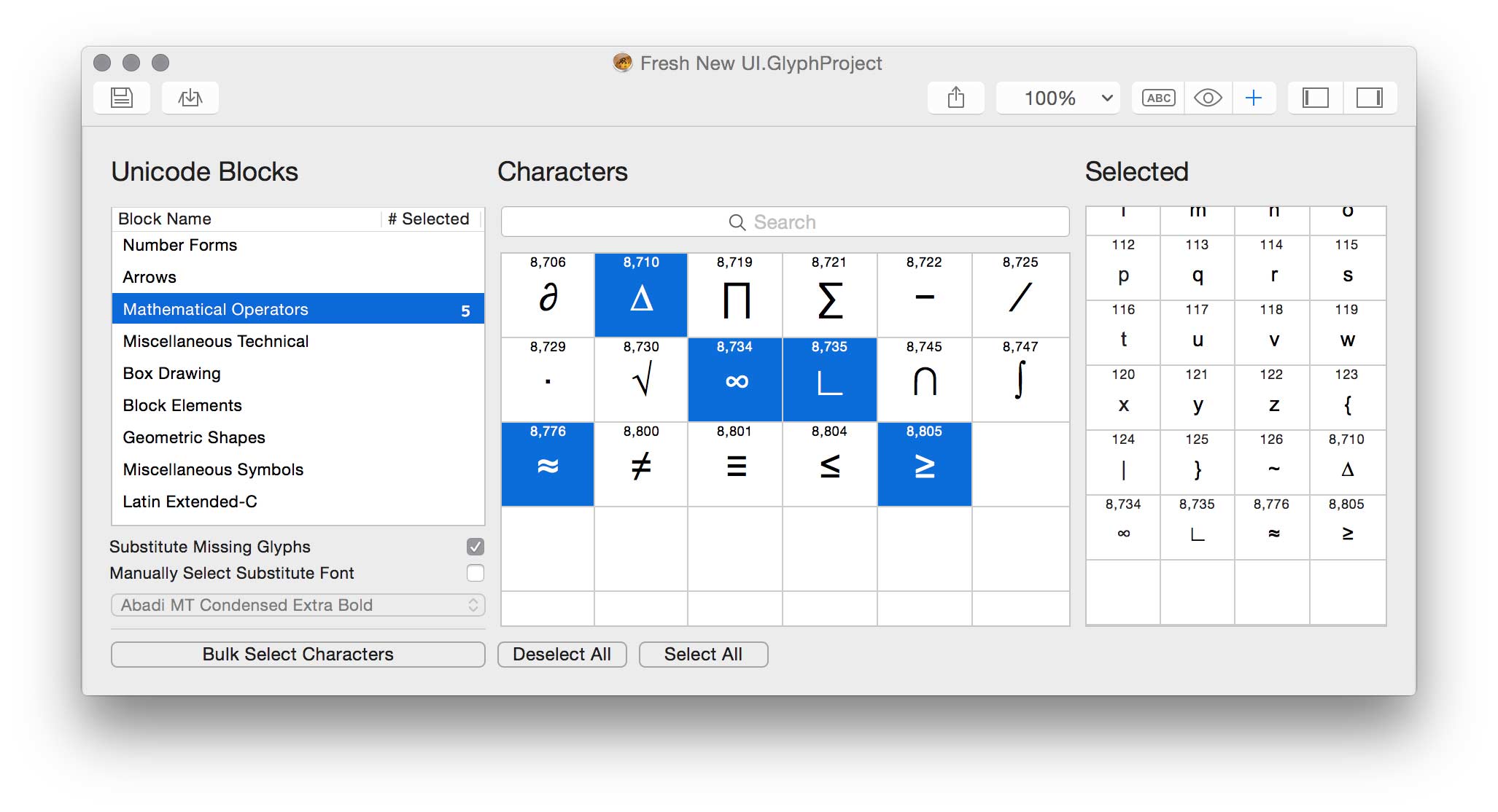
Ever wanted to browse a font for those cool looking hidden characters? Glyph Designer lets you effortlessly search and select individual glyphs from an entire font. You can even view a breakdown of all glyphs by their unicode block range, simplifying the selection of character groups.
Export to Multiple Frameworks
Export your bitmap fonts to many different frameworks with direct support for











Where in the world
Just a few of the thousands of people using our software











Unlimited Support — Secure Store — 30 Day Money Back Guarantee